
Mac Video Converter
Easily download, convert and edit video/audio on macOS with ease. 200+ formats supported.
Mac OS X 10.8 and higher, Ready for macOS 14 Sonoma.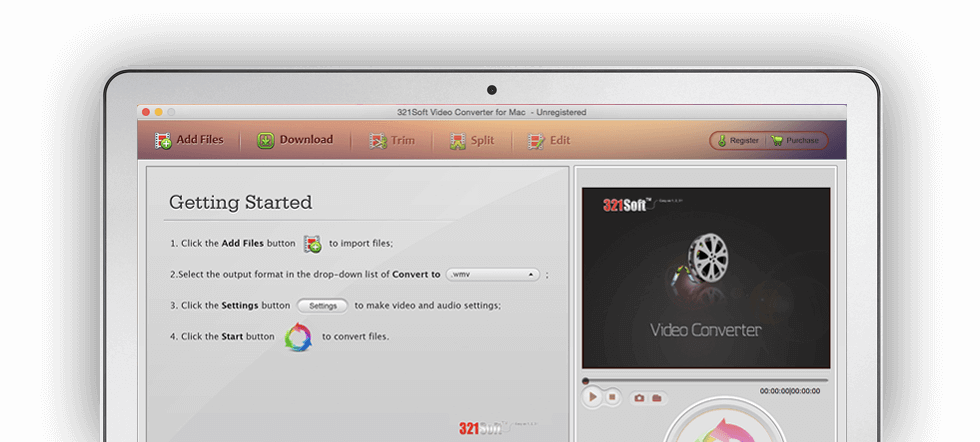
ALL-IN-ONE Video Converter, Downloader and Editor for macOS
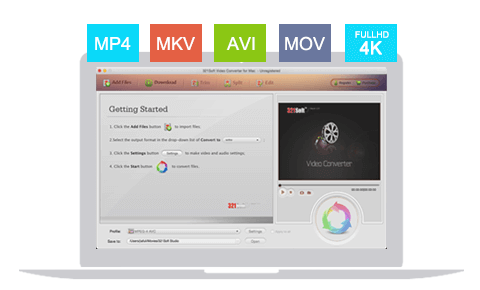
Convert any video, including the 4K video:
It does not require any third-party decoder and is able to convert any video to over 200 popular video/audio formats. easily convert any video to 3D video. Whether the normal video (e.g. MP4, AVI, MPEG, F4V, WMV, MOV (Quicktime, Prores, H.264), MKV, RM, SWF, RMVB, 3GP, 3GPP, FLV, VOB, ASF, MXF, NSV, PVR, WebM, XAVC, OGV etc. or 1080i, 1080P, 720P HD video formats (e.g. AVCHD, MTS, HD TS, HD WMV, TP, TRP, MOD, TOD, HD AVI, AMV, HD FLV, M2TS, HD MOV, HD MKV, HD MPEG-4 etc.), and even 4K UHD (Raw, MXF, XAVC, H.265, etc.) video conversion. you can convert different video formats to your specified formats by a few simple clicks. you can enjoy any video on macOS.
Extract audio from video & Convert audio formats:
The software also supports a variety of audio format conversion. It extract audio from video and HD video or directly convert audio files to most popular aduio formats including MP3, M4A, WMA, M4R, FLAC, APE, AMR, WAV, AAC, AC3, AIFF, OGG and so on. So you can play audio in Music players or make the iPhone ringtones with ease.
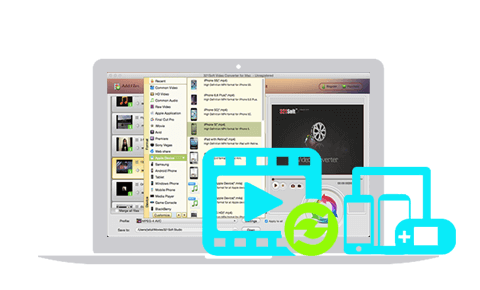
Convert video into a variety of portable devices directly:
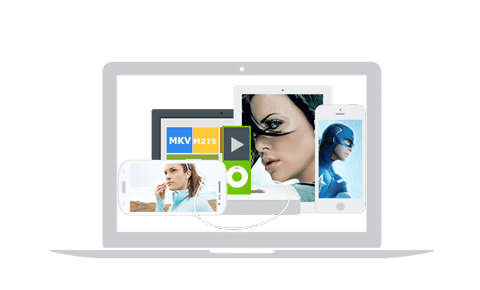
A lot of presets are included by default, It optimizes and preset default parameters for Android, Apple TV, iPhone, iPad, iPod, Kindle Fire, Nook Tablet, Samsung Galaxy, Nexus 7 tablet, PS4, PSP, Xbox One, Wii-U, Blackberry, Nokia, tablets, Zen, MP4/MP3 Player, and other high-end mobile devices. The converted video can be completely suitable for your mobile devices. So you do not need to worry for the settings and resolution of your portable devices. Enjoy Videos Everywhere! It also allows you to customize the settings of output video flexibly.
Transcode video for the Apple software:
The 321Soft Video Converter for Mac can easily create compatible videos for the Apple software by just a few clicks on the mouse. Then you can view and edit video in iMovie, Sony Vegas, AviD, Final Cut Pro, iDVD, Final Cut Express, QuickTime, iTunes, the Adobe Premiere Pro/Elements/Express. It provides native encoder codecs such as ProRes(ProRes 4444, ProRes 422), Apple Intermediate Codec (AIC), and DNxHD.
Upload Videos to Websites:
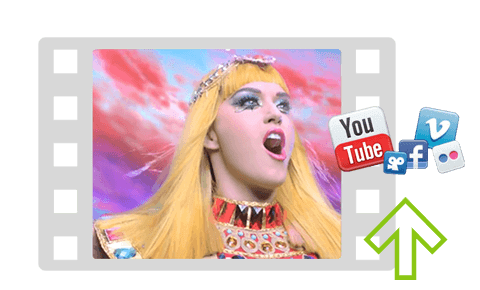
As a professional Mac video converter, it can convert video for uploading to any video-sharing website, such as Flash SWF, FLV, F4V, MOV and WMV, and so on. Thus you can upload and share your video to YouTube, Facebook, Vimeo, Yahoo! Video, NetFlix, hulu, DailyMotion, Metacafe and other popular video websites.
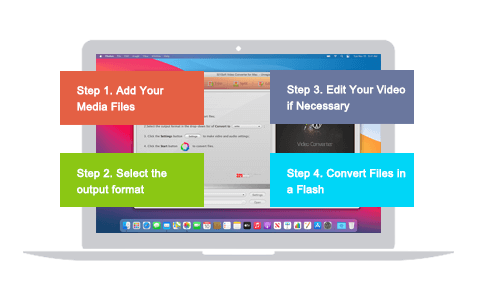
Easy to use and conversion in 3 steps:
We know that you use the software for entertainment and we do best to make it more easy to use for your entrainment. Because of the considerate user experience, an 8-year-old child can also easily convert videos like an expert. You can preview the converting and the editing video in real time and make sure that you make a perfect video.

Converting video at high speed:
Nobody likes to wait. The 321Soft Video Converter for Mac checks the type of your CPU automatically and batch covnerts video into your devices at right speed. It supports cooperative processing for multi-core CUP. So it can convert high-quality video 30X faster without quality loss.
Download online videos with one click!
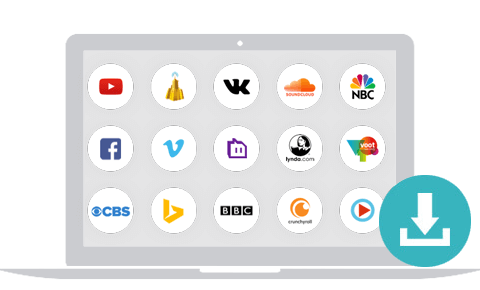
Do you want to playback your favorite videos when you are offline? Much more than a converter, The software can batch download online videos from over 200 video websites, including YouTube, Vimeo, Facebook, Hulu, LiveLeak, Metacafe, Yahoo, Dailymotion, etc. After downloading, the downloaded videos can be automatically imported to converter and may be converted to any other format.
The Powerful Video Editing Functions & Features:

Cutting edge and rotating video
Effortless editing! Simply load your videos in & reap the amazing results.
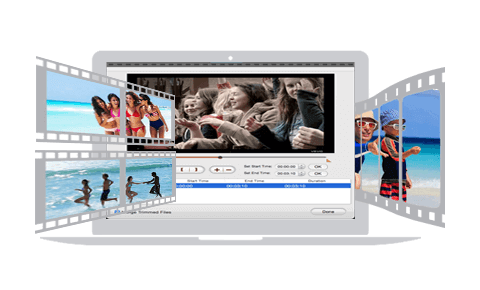
The software can cut the range you do not want and extract the range you like in video. And it also free to rotate any angle of video.
Splitting Video
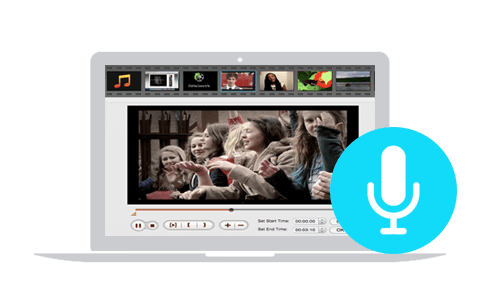
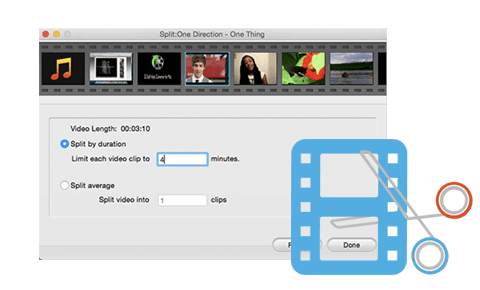
Cut start and endings with ease. You can cut video freely by setting time and dragging. You can also split a large video/audio file into several small fragments according to different duration. The feature is particularly useful when your mobile device does not have enough capacity, or you need to transfer video files to your friends.
Merging video
You can merge several video and audio files into one file to make your own movie. so that you can enjoy a long video without interruption.
Adding video effects
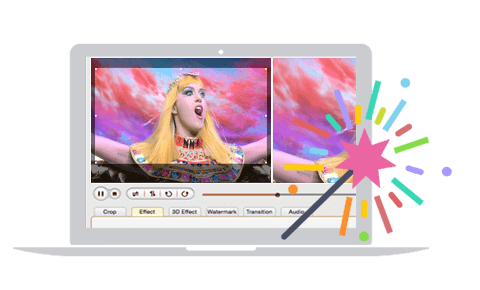
You can adjust the video contrast, brightness, volume control, saturation & resolution. You also can choose video effects, such as Emboss, Gray, and the Old film. Add video/audio "fade in", "fade out" effect to make it more natural. Added 3D effects to making 3D video, Add image/text watermarks watermark to any video.
The World's No. 1 Video Converter for Mac
Download It for free now & see for yourself what makes it better than the other video converters in the market.


